

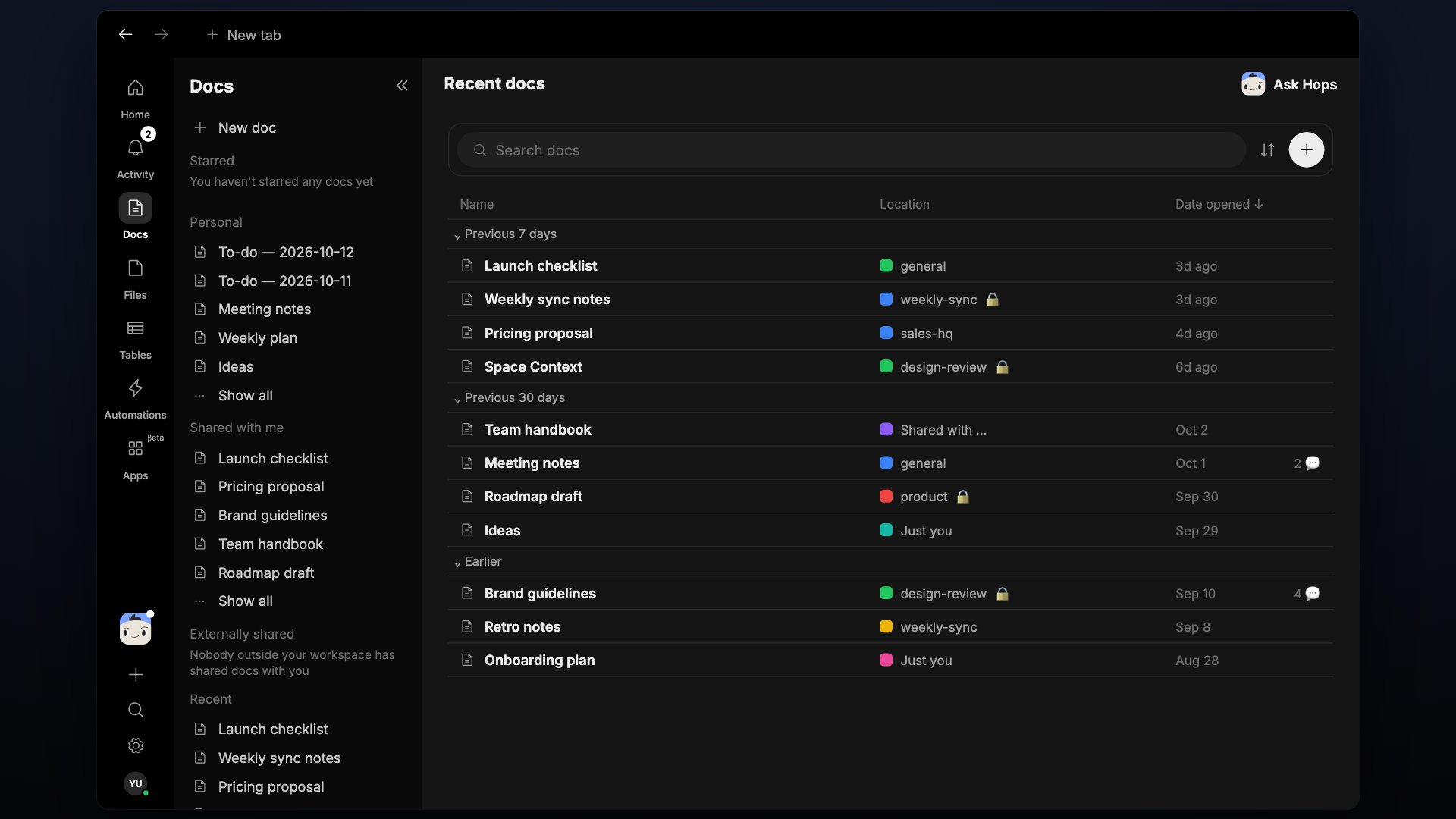
Types of artifacts
Docs
Rich-text pages for briefs, notes, and specs.
Tables
Spreadsheet-like tables for structured data.
Files
Everything uploaded across your Spaces.
How artifacts are created
By Hops. When Hops does work whose output is a distinct piece — a brief, a report, a generated image — it saves it as an artifact instead of an inline reply. By you. Create a doc, table, or upload a file directly from the global + button or from any Space.Working with artifacts
- View every artifact you can access from the Docs & Tables and Files sections in the left sidebar.
- Open any artifact to read or edit.
- Request changes by tagging Hops in the artifact thread.
- Share with people from the Share modal. Everyone with access can edit unless you change it.
Sources and attribution
Every Hops-created artifact includes a source trace: what threads, docs, or records were used to produce it. Editing the artifact doesn’t change the source trace.A doc, table, or file is scoped to the Space it lives in. It’s not visible to Hops in other Spaces unless you share it.