

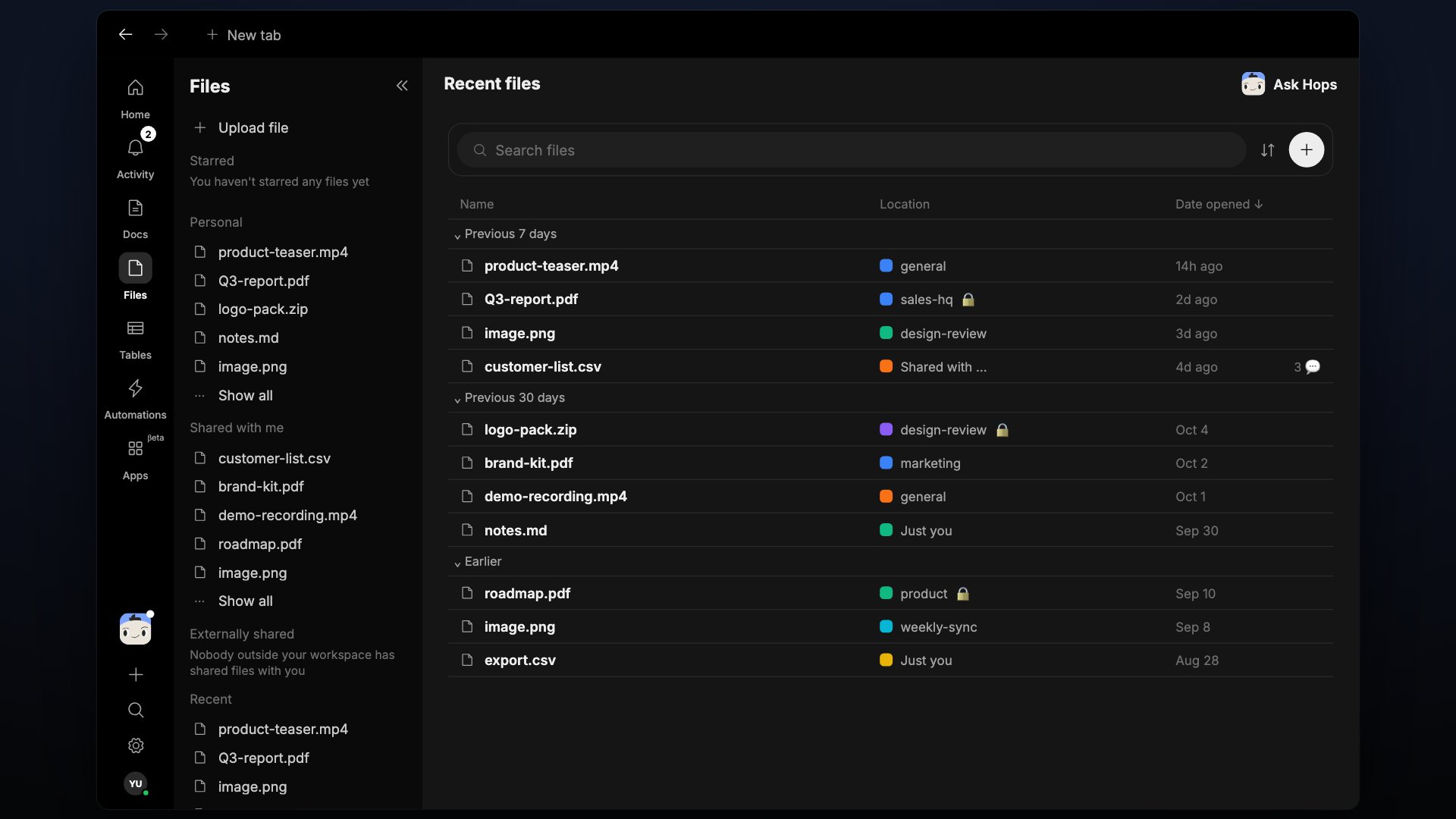
Every file uploaded across your Spaces, in one browseable list.
The Files view
Files, docs and tables now live together in Docs & Tables, organised by place: your own items, each space and chat, Shared with me, Recent and Starred.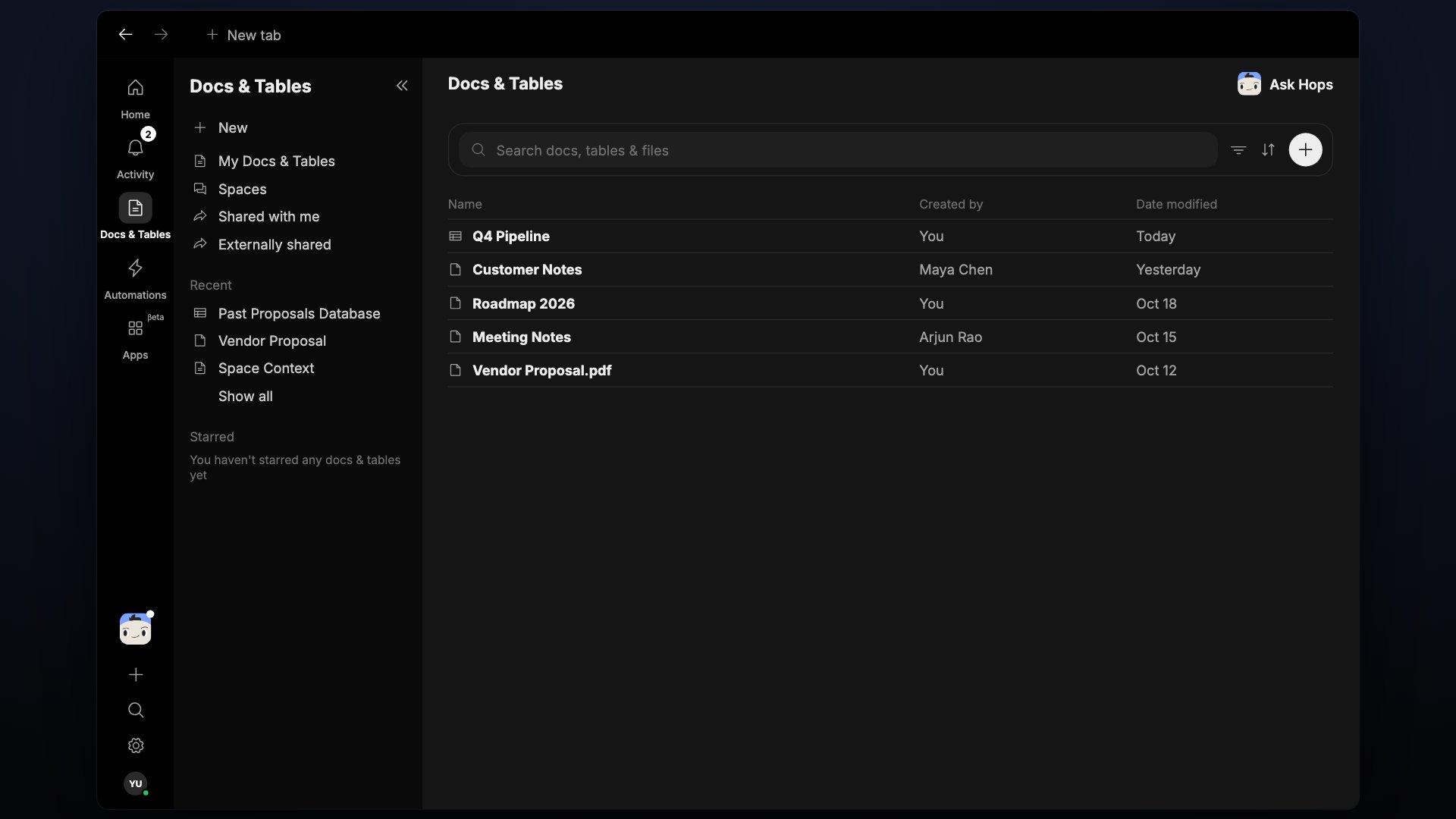
Docs & Tables replaces the separate Docs, Files and Tables buttons.
Upload a file
- Click New in Docs & Tables to upload a file from your device.
- Drop a file anywhere in a conversation to attach it, not only on the message box.
- Drag files into any chat composer or doc — they upload to that Space and appear here too.
- Files Hops generates (reports, exports, screenshots) automatically show up in this list.
What Hops does with your files
- Previews. Images render inline and can be downloaded individually or in bulk.
- Attachments in threads. Every file keeps a link back to the message or automation run it came from.
- Hops access. Hops can read files attached to that Space’s threads, docs, and automation runs.
Comments and previews
- File comments have a proper comment box.
- On videos, comment on a specific moment.
- HTML reports up to 20 MB open rendered in the preview. Point at a specific part to comment on it or ask Hops about it.